Customer 30\60\90 Days
Customers that have stopped coming in for one reason or another are a potential resource for you to get back into your location.
Quickly and easily identify the ones who have stopped coming in and offer discounts or promotions to induce them back.
These reports: 30 day - 60 day - 90 day all show the same information, but for different time periods.
Use this data to identify high value customers that may have stopped coming in and try to win them back.

You can use the buttons across the top of the report to choose a date range or to email or print the data.
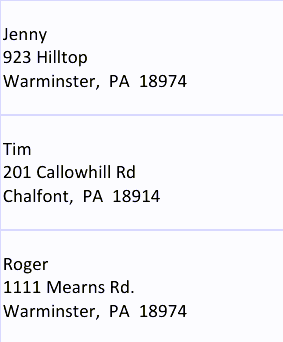
When you first run one of the 30/60/90 day reports you are prompted to choose the display option: standard or address labels
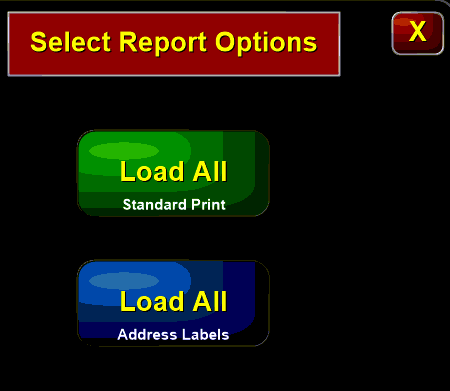
Standard view:
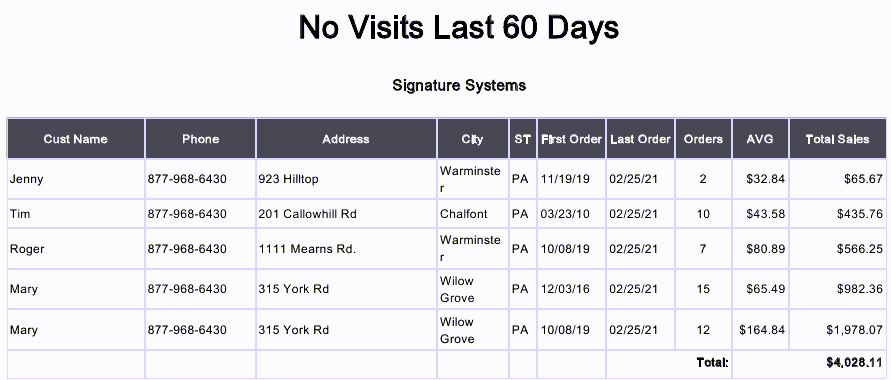
The standard view of the report shows the address type as well as the customer contact information and the total number and value of all orders placed.
Address labels: