Gift Cards
Gift cards can be sold on any order by selecting the  button from the top right-hand portion of the main screen. Gift card payments are treated as Charge Cards when accepting payment.
Selecting the Gift Card button opens a screen that prompts you to choose one of 3 options:

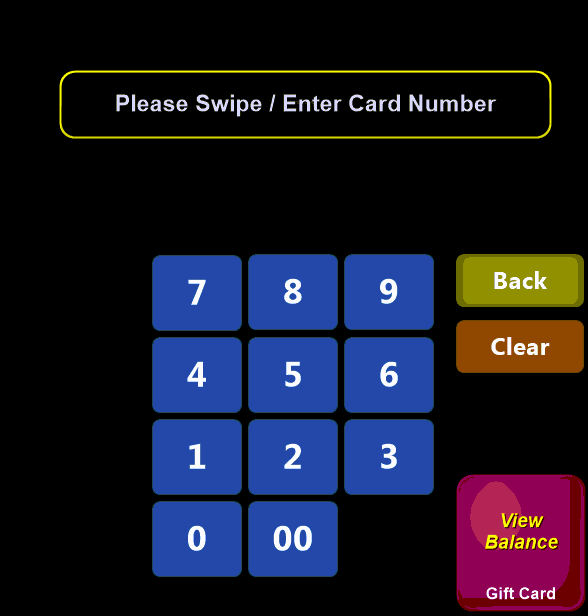
- Balance: See the remaining balance on an already issued gift card
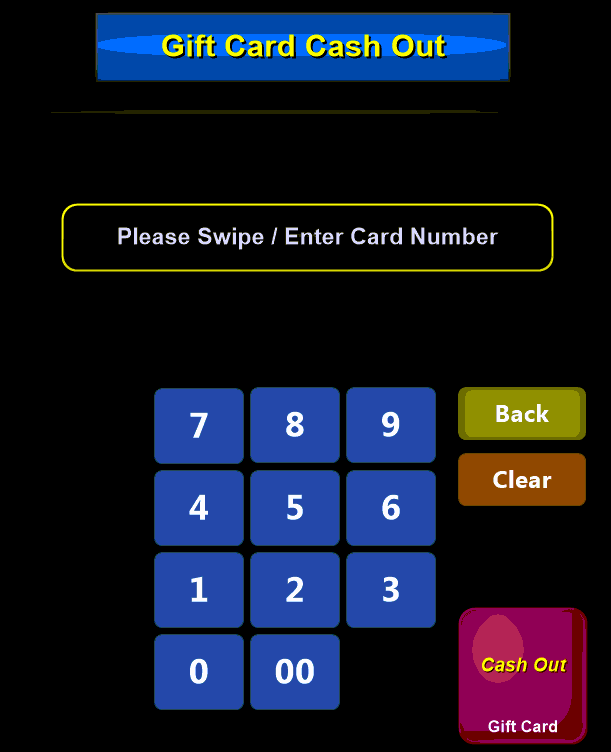
- Cash Out: If allowed, and the balance meets the criteria, allows you to refund the remaining amount on the card as cash to the customer
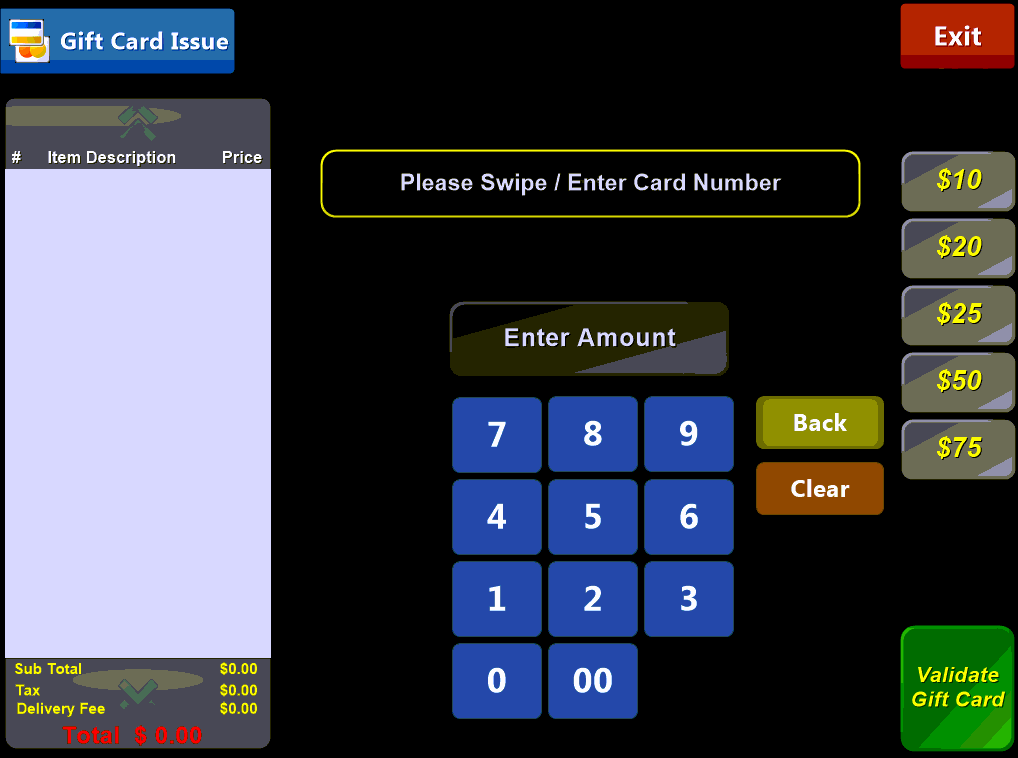
- Issue: issue or reload a gift card
Each of these options will open a similar screen where you are asked to swipe a gift card to perform the selected action:
Balance:
- Swipe\Enter the card
- Select View Balance
Cash Out:
- Swipe\Enter the card
- Select Cash Out
Issue:
- Swipe\Enter the card
- Enter sale amount (speed button or numeric pad)
- Select Validate Gift Card (card is not loaded until order is paid)