Order Taking
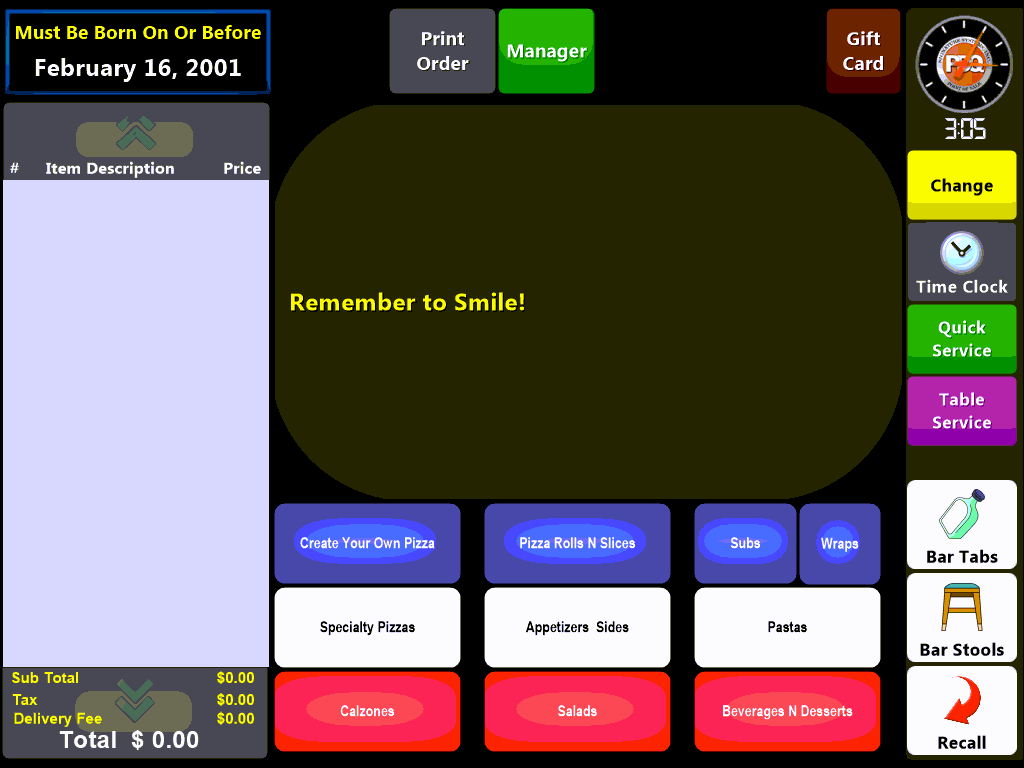
Select the Flash Button at the bottom of the screen. This will open the linked menu items and allow you to select them for ordering:
Choose your item specific options to customize the order:
Some screens may have a required number of selections per item, you must meet the selection requirements to advance to the next screen:

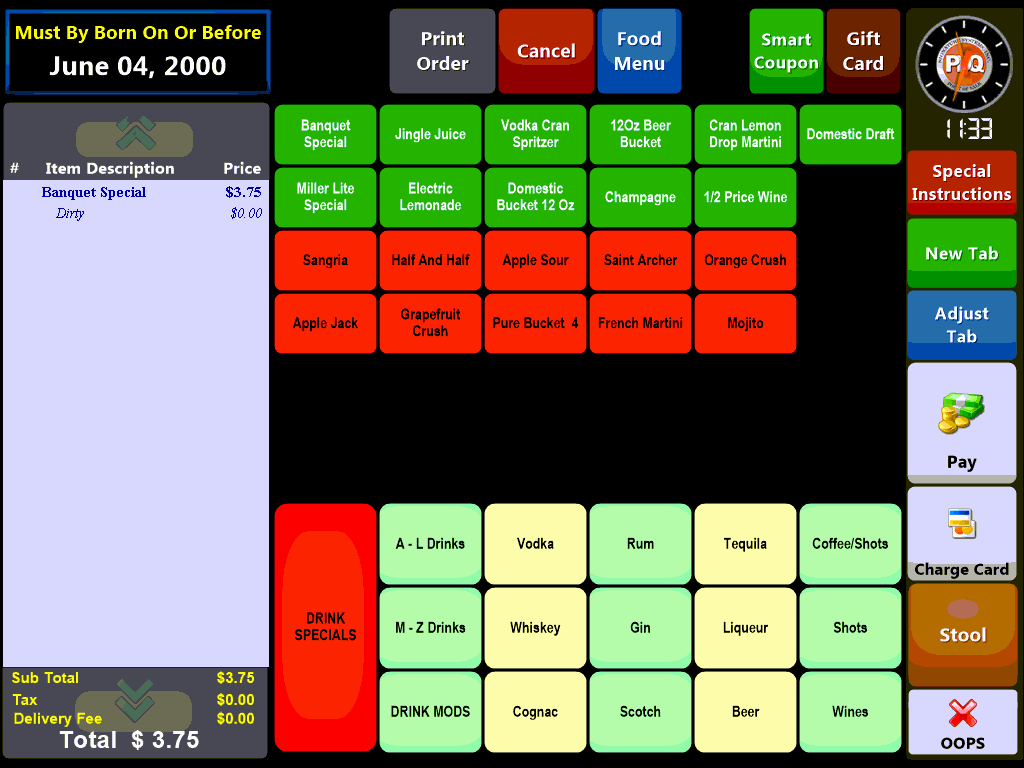
Once you have ordered your menu items you can either, cash out the ticket immediately by selecting the Pay button, assign the patron to a stool with the Stool button or open a Tab by selecting the New Tab button.
 if there are any special instructions (for which there is no menu button) select the Special Instruction button, you may be prompted to enter your Login Credentials. You will be prompted to enter a description of the special instruction and any associated charge. For instance, you may have a request to cut a pizza into squares for which you charge an additional .25 cents. To discount an item through a special instruction enter a negative amount.