PDQ Support
If you need the assistance of PDQ POS technical support staff you can use this option to allow them remote access to your terminal.
In the normal course of support PDQ POS technical support staff should already have the ability to connect via a secure channel to your terminal to assist in repair or configuration. There are instances however, such as with a new terminal, where you may be asked to grant access to a PDQ POS support technician.
In the interest of system security and safeguarding the integrity of your data please verify the identity of the caller before granting them system access.
This can be done by initiating the call to our support staff yourself. Never grant system access without first verifying that the request is being made by an authorized PDQ POS support technician.
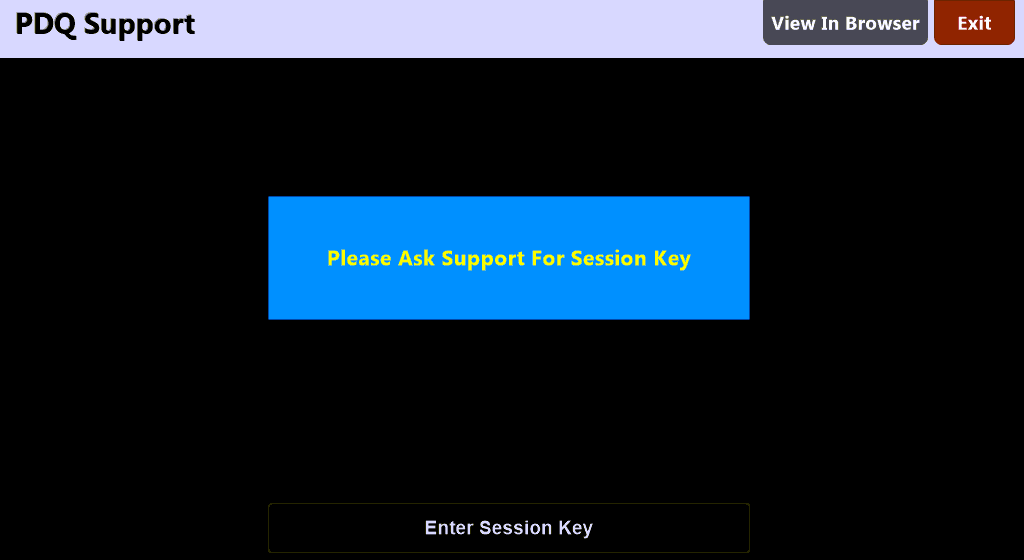
You will be provided with a 'Session Key' from PDQ POS which you can enter on this screen to allow temporary access to your terminal.
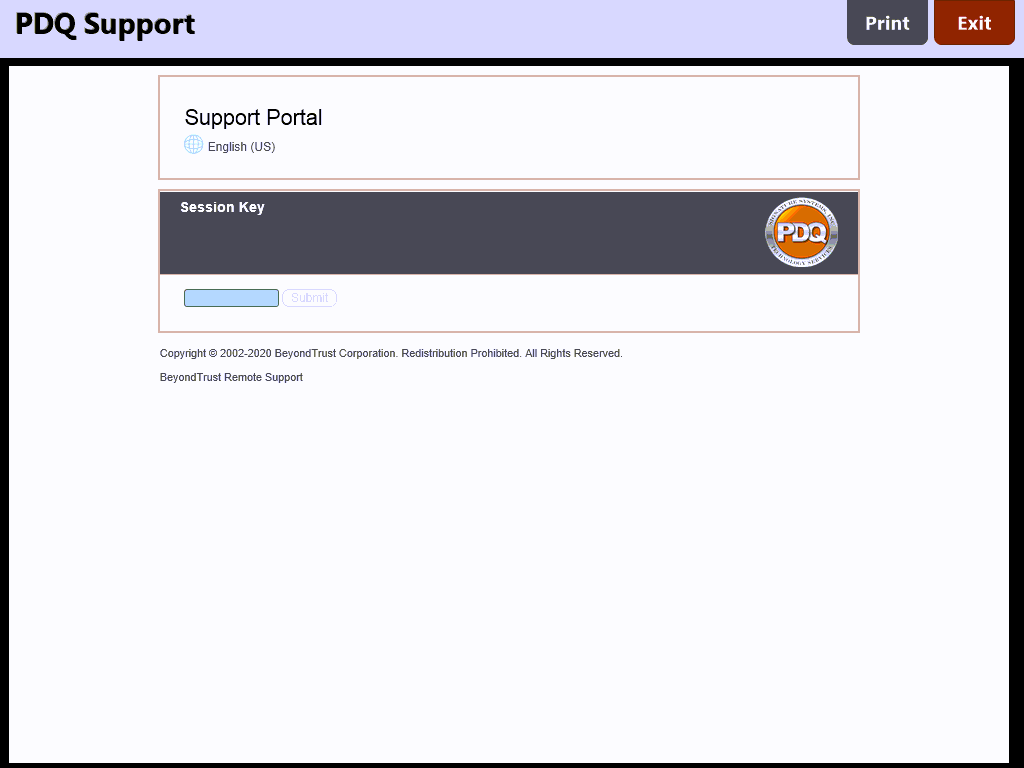
You may also select the  button to open an alternate screen in which to enter the provided session key: