Search by Zone
Asking the right questions can often yield the right answers. With the 'Search by Zone' report the question of what zones are getting the most deliveries and which ones are earning the most come clearer in a hurry.
When you first run the report you will see the following options:

You can choose to run either a date range or see all customer's data. Additionally, you can load either a standard grid type report or mailing labels suitable for printing.

Enter the Number of the zone that you want to see more information about, and press ENTER.
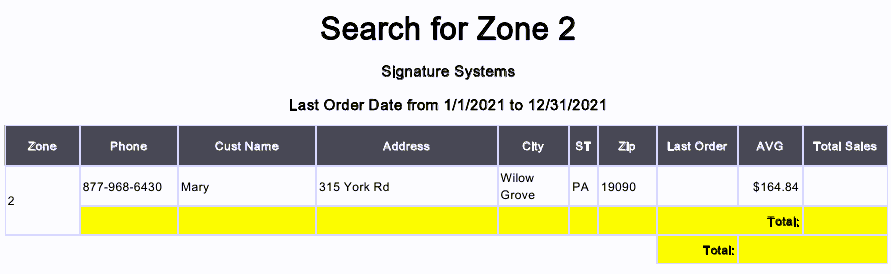
Shows you the contact information and sales average for your customer's in the zone you are searching for.

You can use the buttons across the top of the report to choose a date range or to email or print the data.