City State Zip
Use the 'City State Zip' settings to configure the cities and zip codes in your area. These are used for mapping purposes and to set delivery zones.
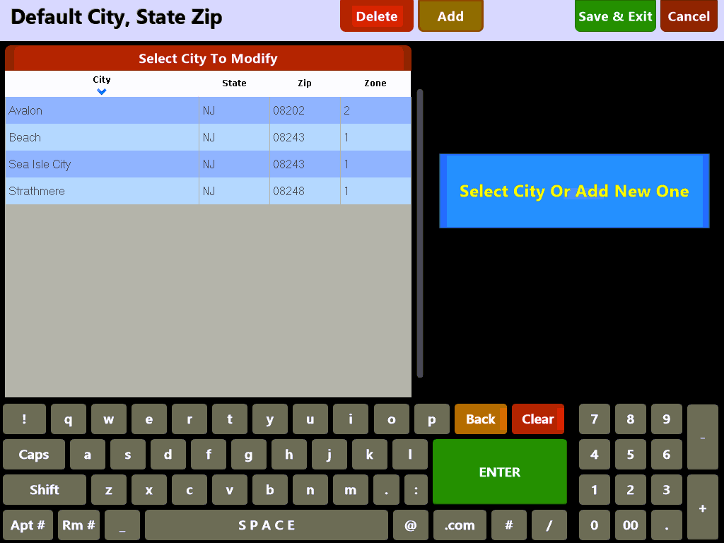
Choose an existing entry from the list to edit or select the  button along the top of the screen to add a new entry.

On the Add\Edit screen enter the City, State, Zip Code and Delivery Zone and then press the  when done.
If you wish to remove a city from the list, simply select it and press the  button. Any deleted city will have to be manually re-added to the system.