Fueling Interface
The fuel interface allows you to manage your pumps directly from the point of sale. It provides a quick and simple way to check pump status and handle every step of the fuel sale process.
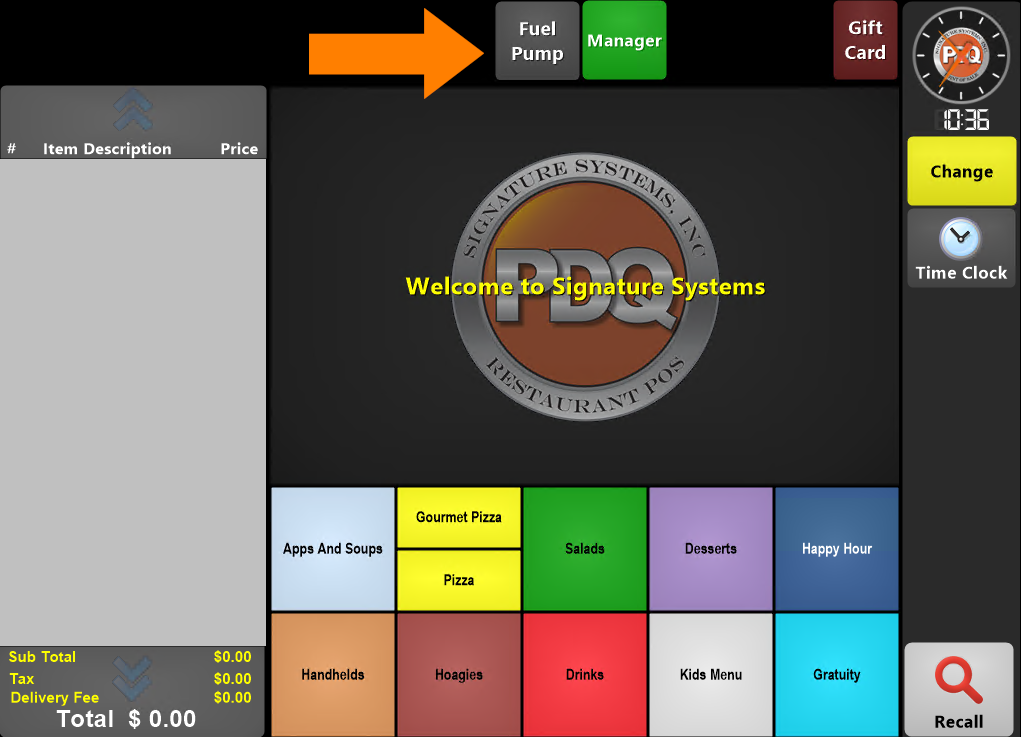
To access the Pump Interface press the Fuel Pump button located at the top center of the ordering screen.
This will open the Pump Console screen:
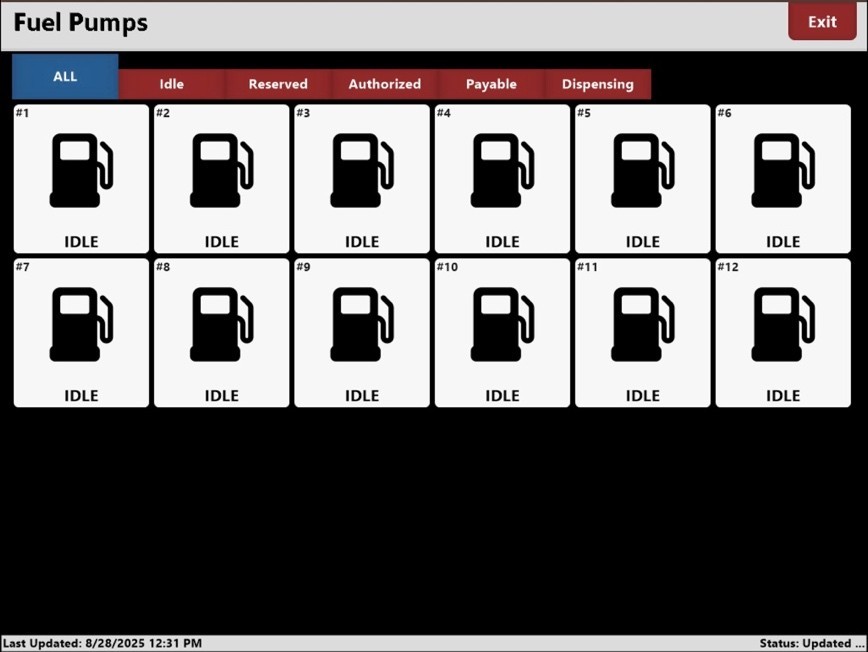
Use the tabs along the top to filter the pumps by their status:

Pressing one of the pump icons will bring up the status display for that pump:
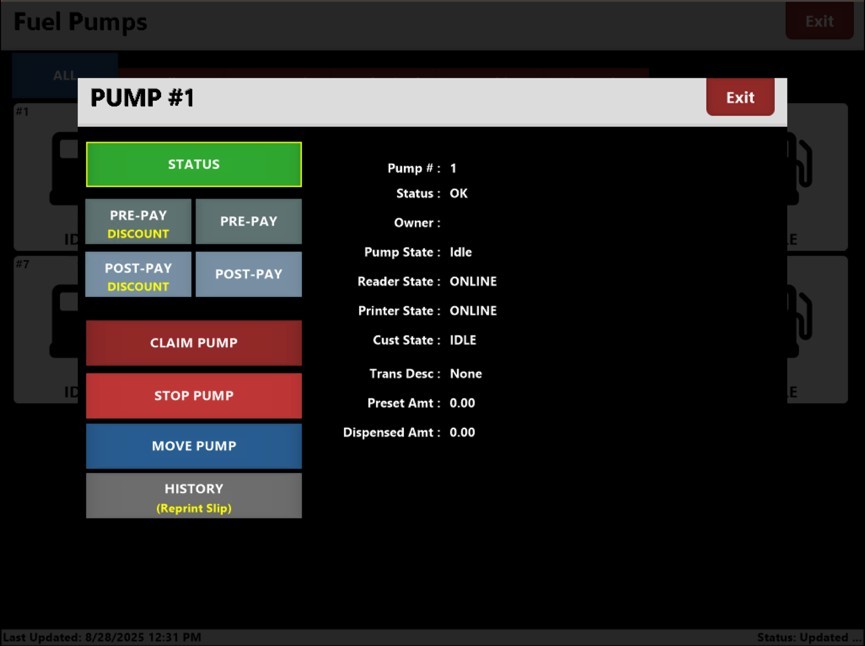
If your site offers a discount program you will need to determine if the transaction is a “discounted” sale or a normal sale.
The initial process flow after selecting either “Pre-Pay” – or - “Pre-Pay Discount” is identical for both:
After pressing Pre-Pay or Pre-Pay Discount, the user is prompted to enter the dollar amount of the
transaction:
