UPC Setup
The UPC Setup screen gives you the ability to add or modify UPC codes for your menu items. Used in conjunction with a Bar Code Scanner you can scan your UPC Codes directly into the system or type them in manually.
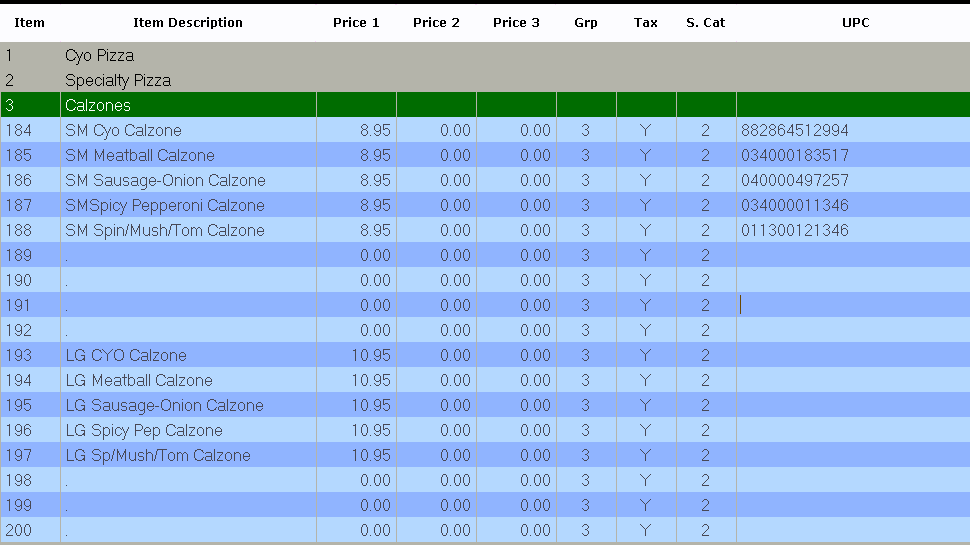
Select the Sales category and item you wish to edit and either manually enter or scan in your UPC code. If using a scanner the system will automatically advance to the next menu item upon scanning to help speed up the input process.
You can choose how you want your items displayed:
 - Along the top of the screen users can select to view various sets of menu items:
Grouped: Items that are in a Menu Group
UnGrouped: Items that are not in a Menu Group
All Available: All items