PDQPOS Manual
(View an online copy of the latest version on the PDQPOS user manual)

When you set an item out of stock it can not be ordered from the POS
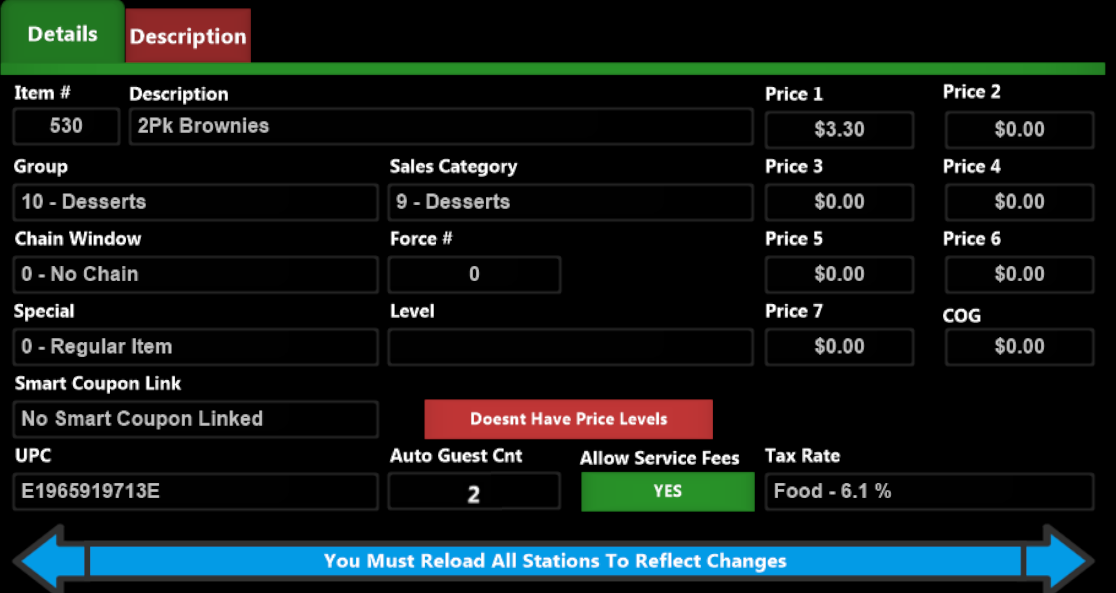
Quickly change a menu item price
Remove an item from the Order
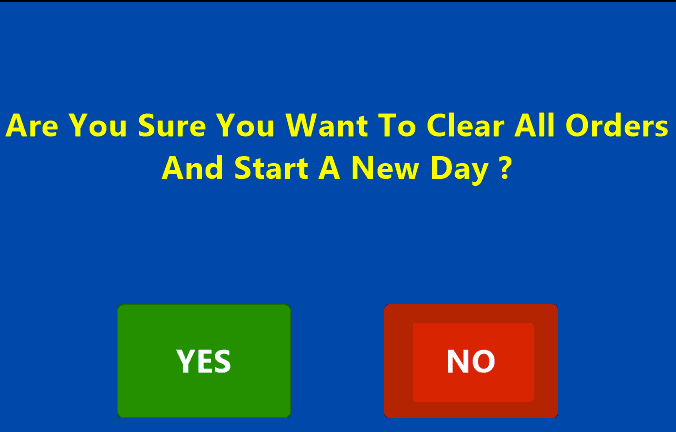
Close Out the Day
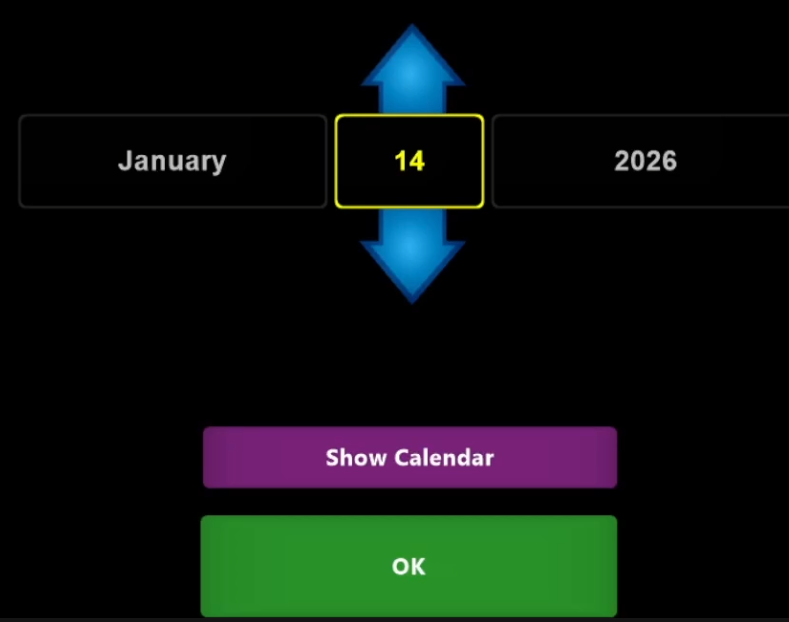
Start a New Day after a Z-Out
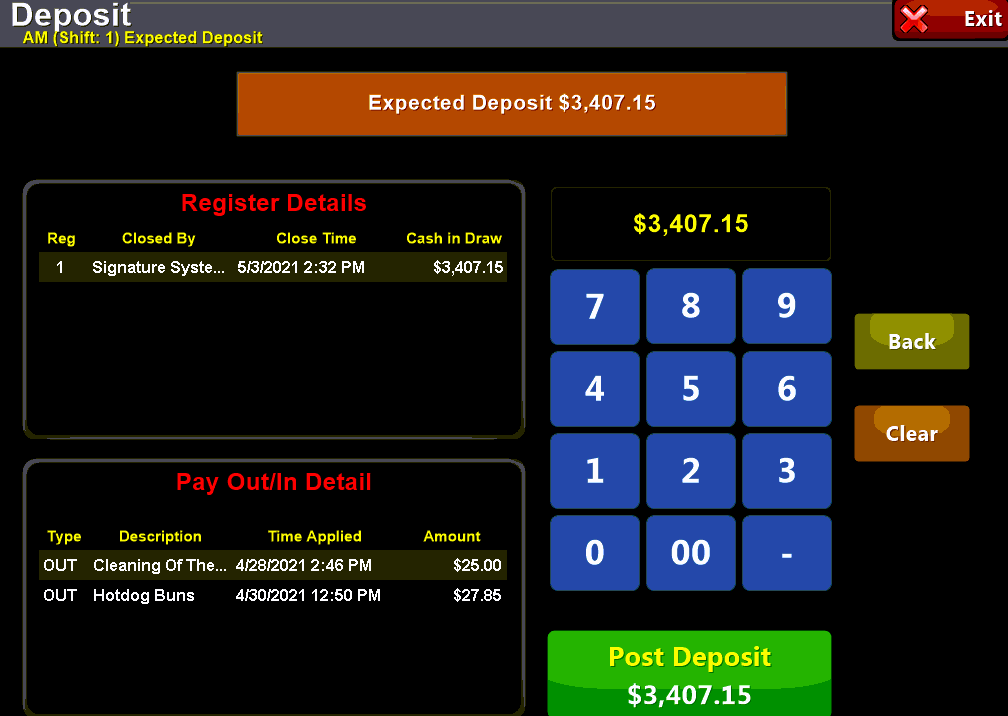
Enter a Deposit
Clock In or Out
Clock Out for Break
Learn how to delay an order

How to Void an Order

Run a Quick-X report
Place order on a House Account
and pay off the balance

How to repeat
a round in the bar

Easily transfer from bar
to full service
Move a Table

Splitting a Check
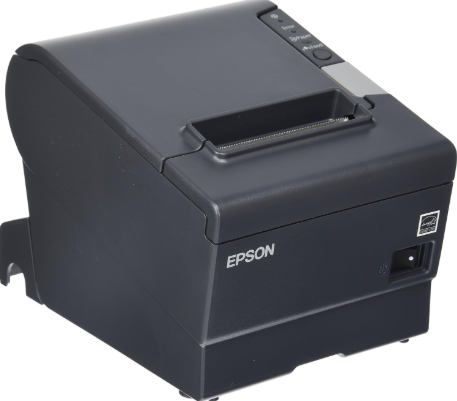
Perform a Printer Self Test
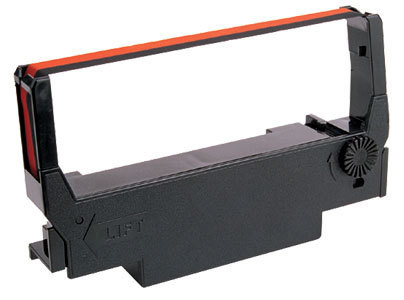
Reseat or replace the ribbon
on an Impact Printer
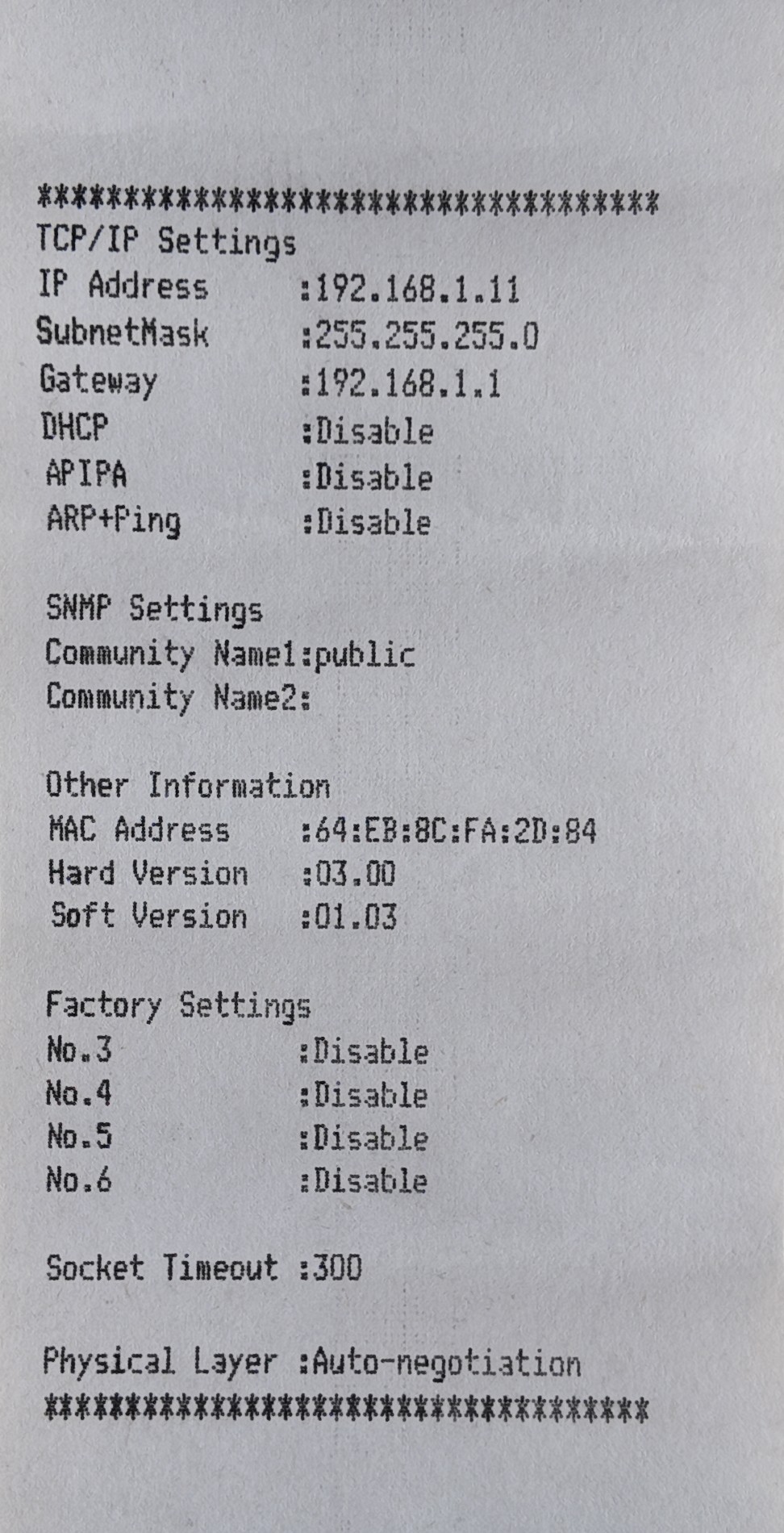
Find the IP address for
an impact printer
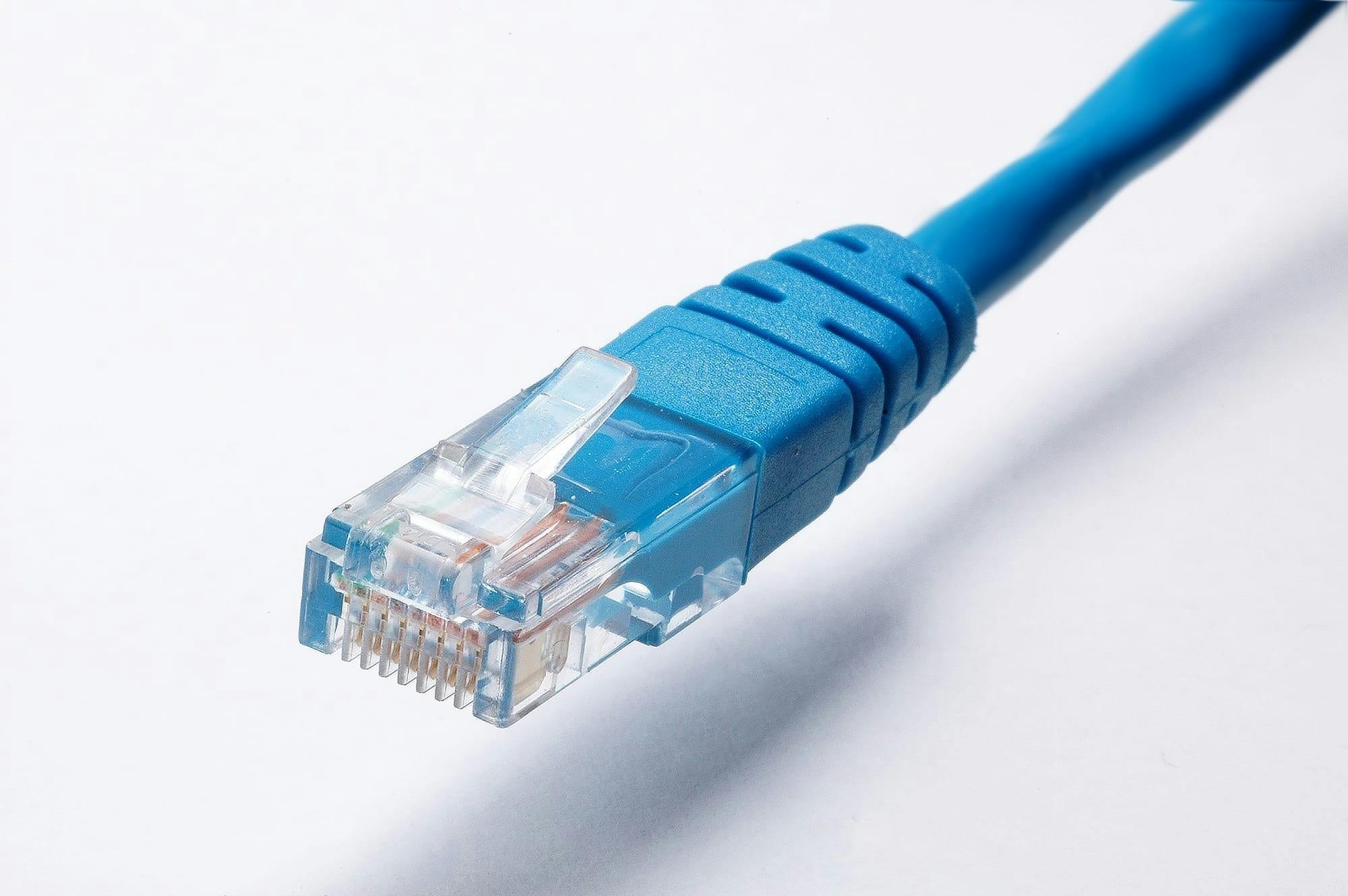
Reseat the Lan cable on
your impact printer