Display History
The  button (or bump bar function) will show you a list of all orders that have been displayed on the VDU since the last Z-Out of your registers. This screen shows you a grid display of all current and previous orders:
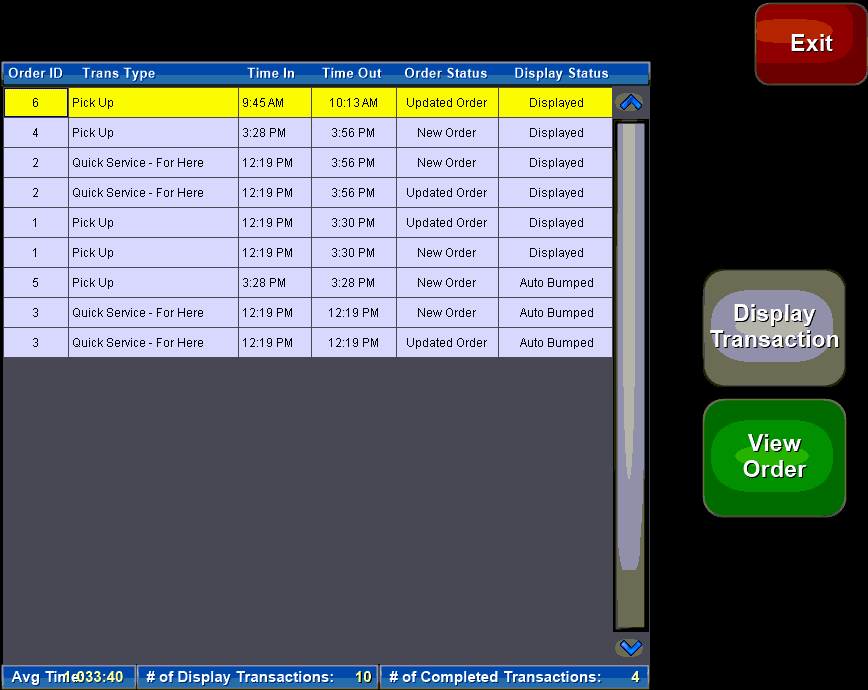
Columns displayed are: order ID, Transaction Type, Time In and Out (display times), order and display statuses. You can also see summary information along the bottom of the screen such as average time your orders stay on the VDU as well as how many orders have been processed and how many remain on the display.
 - Recall the Order to the VDU
 - Brings up the Order Information screen
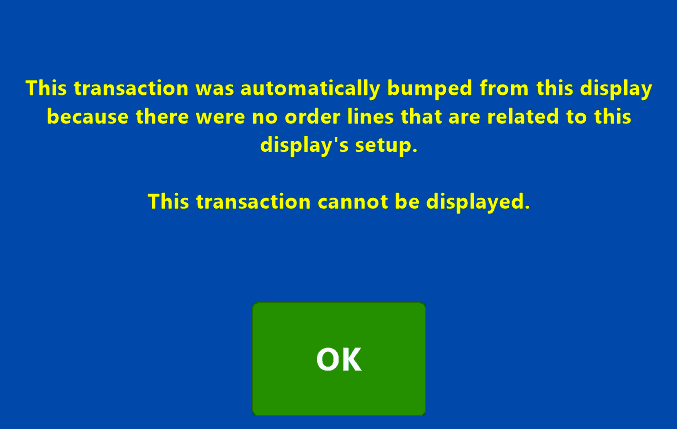
Orders marked as 'Auto Bumped' were removed by the system from the VDU due to no items to display, these orders cannot be recalled on the current VDU. Auto Bumped orders can be recalled on the VDU they were bumped to: