Bumping Orders
When an order is 'bumped' from the VDU it does not necessarily disappear immediately, instead it is 'bumped' to the next pre-configured Stage for the current VDU.
To determine what action the bump button will perform simply check the bottom of the order ticket. Each time the 'bump' option is chosen (either onscreen or bump bar) the order will cycle to the next stage as shown:



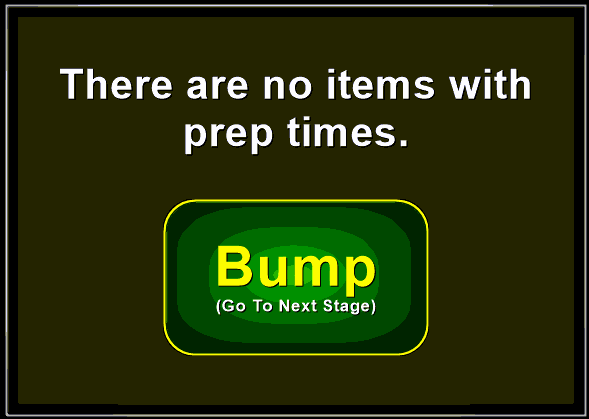
If you have the option to 'Start Timers' as one of your bump stages and no items in the order contain prep timers, you will receive an onscreen notice and will need to 'bump' the order again to the next stage:
Optionally you can also bump individual items from the order as they are prepared:
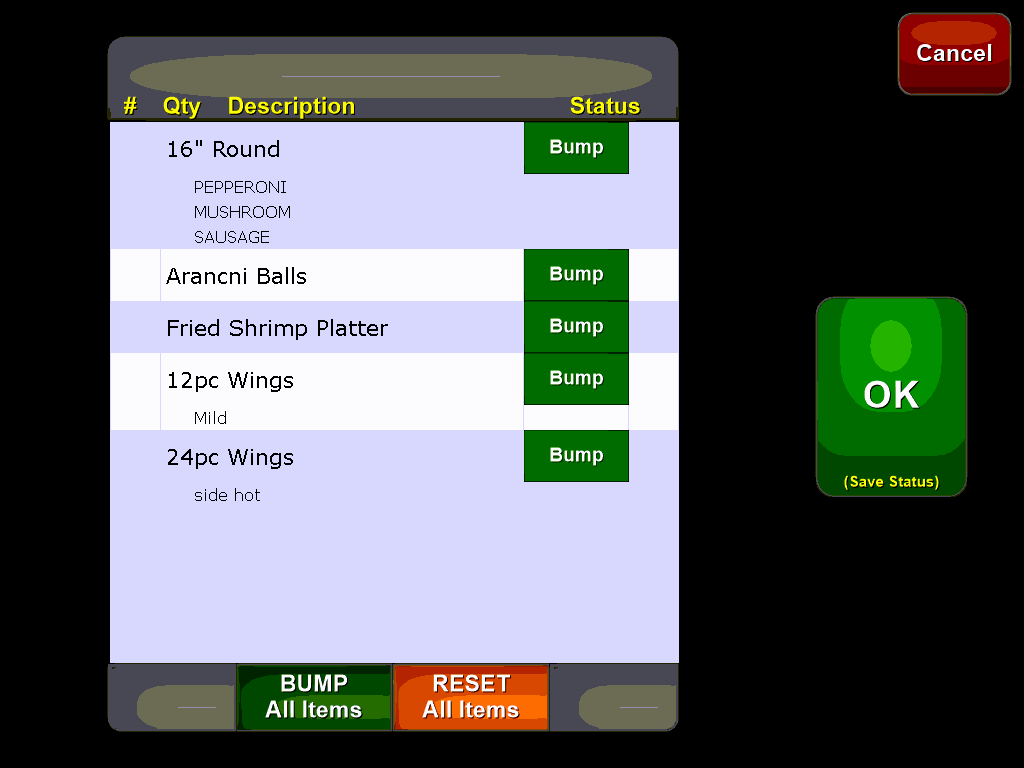
This will remove the item from the display but the order itself will remain. Select the individual items to bump or select the 'Bump All Items' button located at the bottom of the screen. This is useful if items are prepared at differing times to avoid cluttering the display with completed items.