Item List
The Item List offers the same functionality as the Item Manager but in a different format. Instead, the menu items are presented here in a spreadsheet like format that allow direct editing of the data. Editing should be done with caution and only by experienced users.
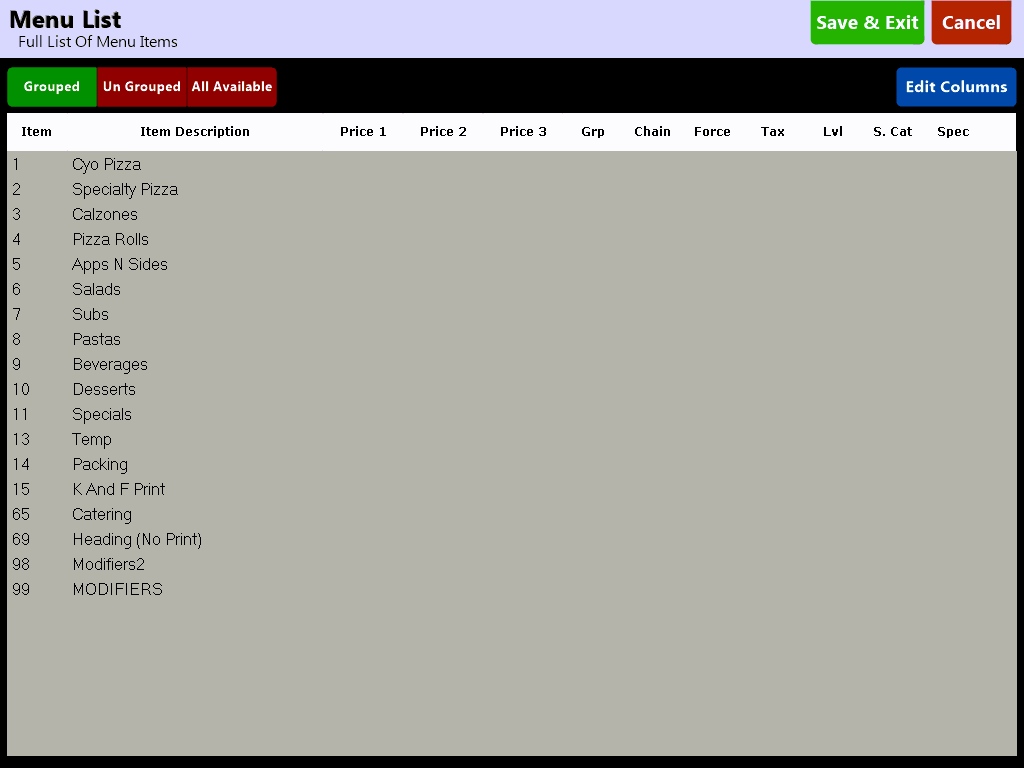
 - Along the top of the screen users can select to view various sets of menu items:
Grouped: Items that are in a Menu Group
UnGrouped: Items that are not in a Menu Group
All Available: All items
To edit a field simply select the value you wish to change and enter the new value. Editing is done only with the use of an external keyboard to prevent accidental changes being made.
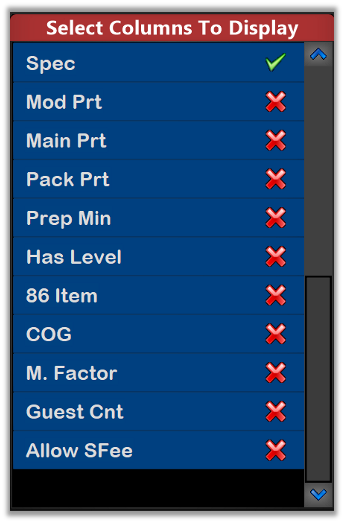
 - Due to the large number of available columns and limited screen space you can choose which columns appear on screen for editing at any time.