Packing List
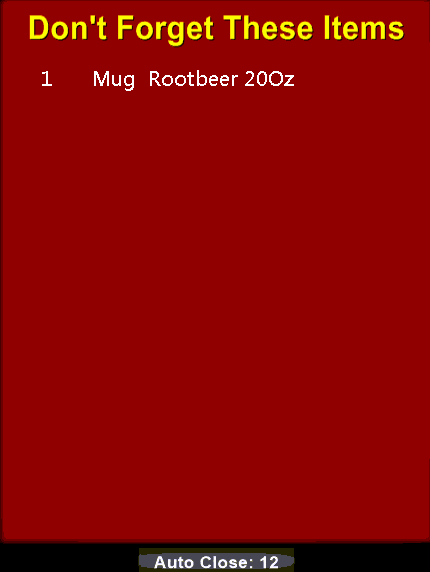
The Packing list let's you assign items to be taken along with delivery orders. These items are tied to the item's group and will show as a popup when dispatching order and will also print on the expediter slips.
This helps eliminate customers not receiving add-on items such as napkins or utensils but can also be used for drinks or bags of chips. Essentially anything you want to remind your drivers and order packers to remember.

Packing list items are assigned to items within groups.
- choose the menu group
- choose the menu item
- enter the quantity of each packing item to include with the menu item
Only items that were setup with a Group of 'Packing Item' in the Item Manager screen.
Packing Items can have prices of their own and be rung up independently as a regular item.
The difference between a Packing item and a Regular item the inclusion on the dispatch reminder screen.
The Item group must also have the following options enabled under Group Setup:

When enabled the driver will see the following on the POS when the order is dispatched (expediter slips will contain the list as well):