Previous Days Orders
The ability to view previous days orders gives you an easy way to view individual orders from past dates. This allows previous day's orders to be readily accessible without cluttering up the current day's order history.
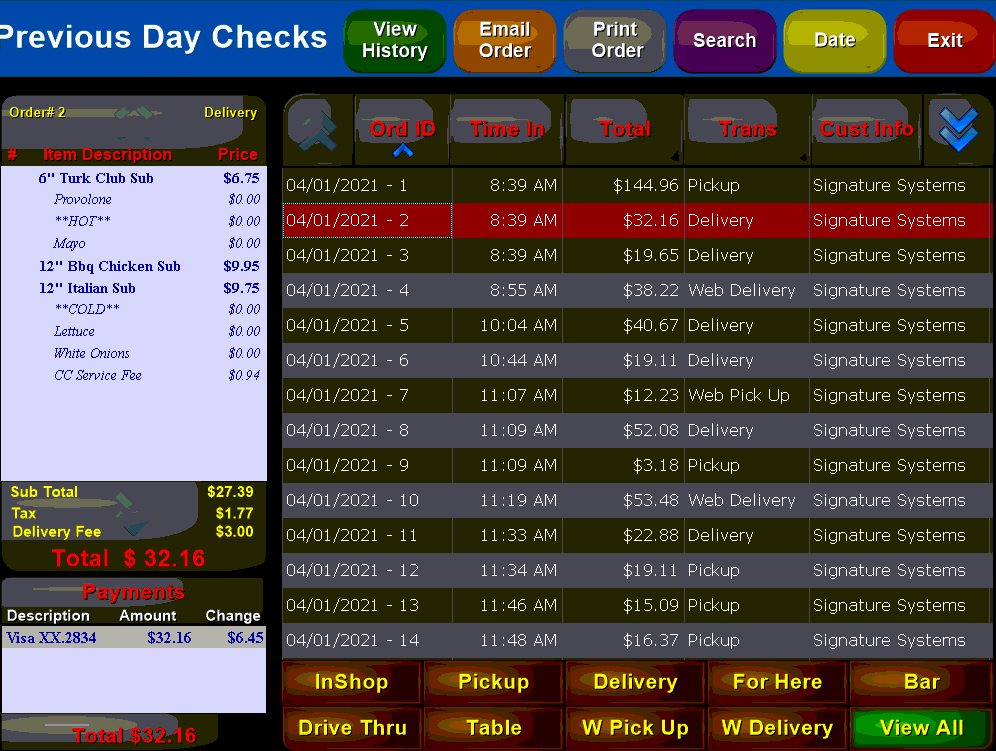
The buttons along the top of the screen gives you the ability to bring up various search and order functions:


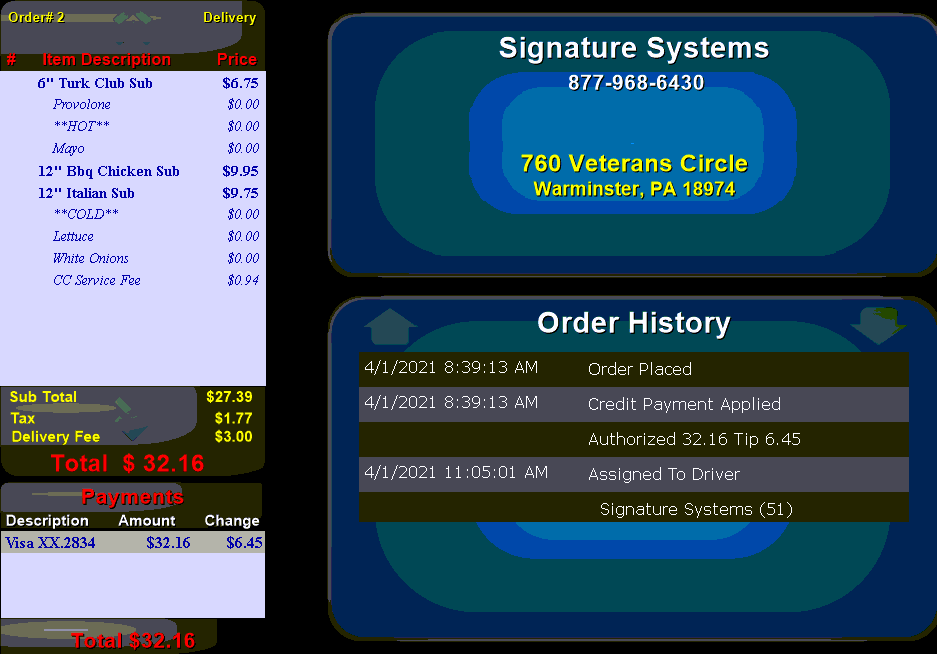
Brings up a new screen that shows detailed order history for the selected item:
You can also use the  button or the
  button to obtain a copy of the order.

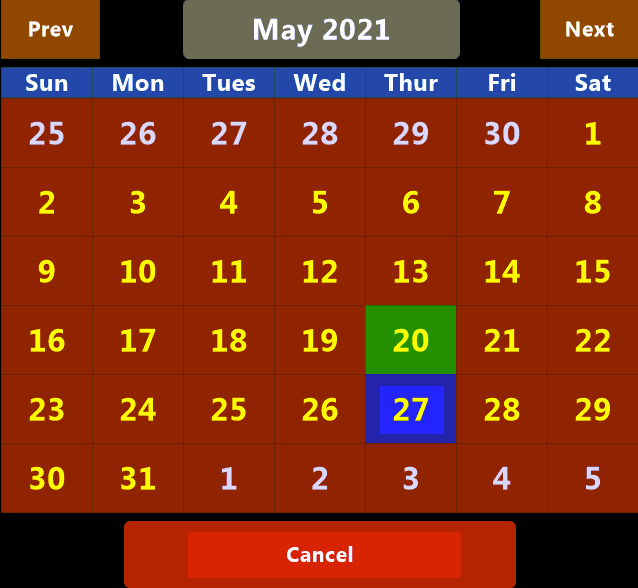
Use the date button to change the date to search for orders. Unlike some functions you may only choose a single date to search:

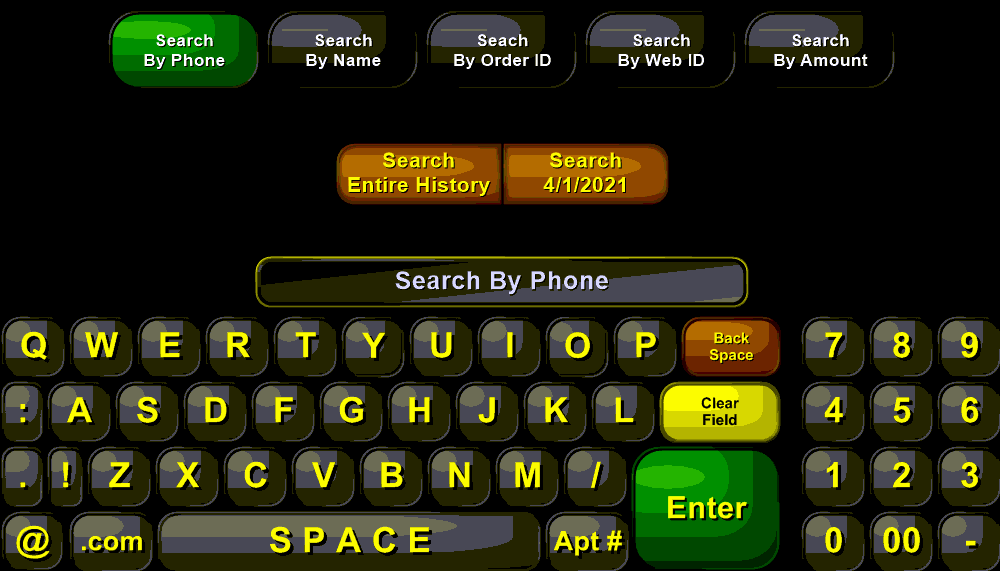
Allows you to search for previous orders using a variety of criteria: