Service Times
As your store's business increases or staffing levels change you may need to adjust customer expectations about the time it will take to prepare their order. That is where the Service Times feature comes in to play.
Here you can set the times that display to the cashier when they take a Delivery or Pickup order. These times can then be relayed to the customers.
Additionally, you can also set the thresholds that are used on the kitchen Video Display Units (VDU) and Driver Dispatch system that alerts to unmet service times.
Use the top two buttons  to either increase or decrease the expected service times.
The remaining buttons are used to set Driver and Kitchen Video warning times to allow you to better manage your orders.

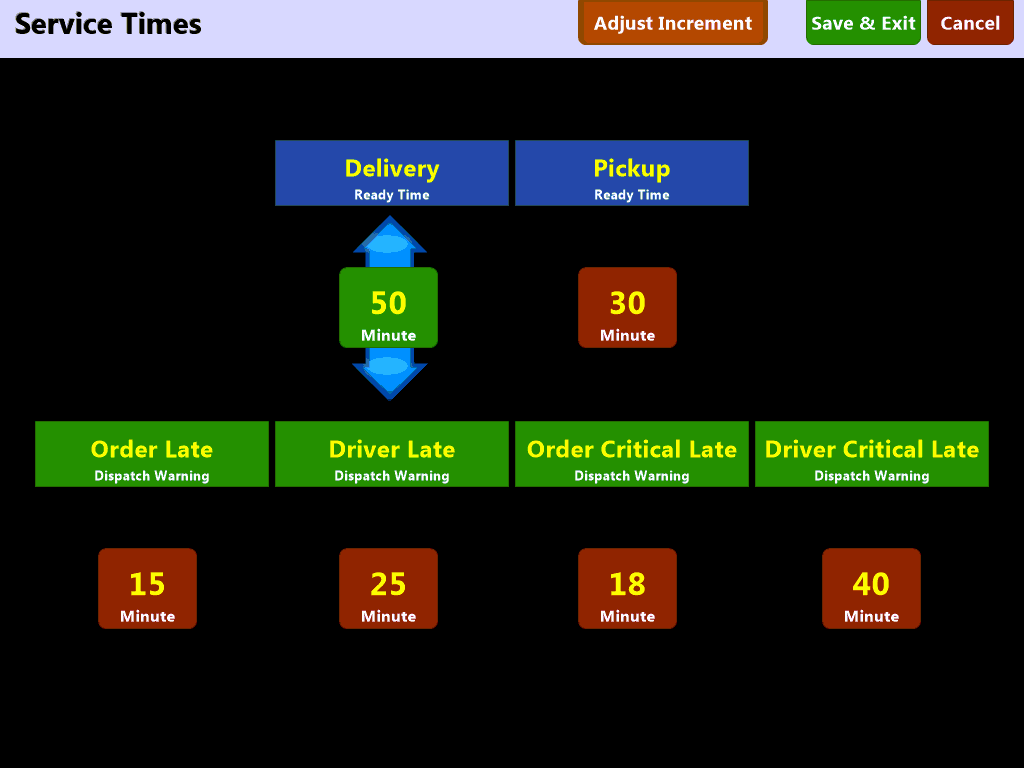

Service Times can be set to a minimum of zero (0) minutes and a maximum of 120 minutes (two hours).
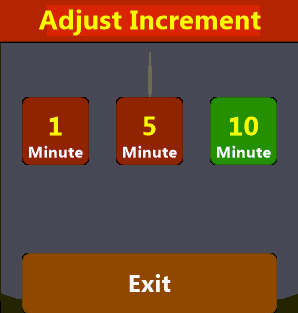
Along the top of the screen use the  button to change the amount of time you can use to adjust the service times.