Zero Hour
The Zero Hour report allows you to bring up a list of all active employees and quickly determine the active from the inactive based on their last clock in date.
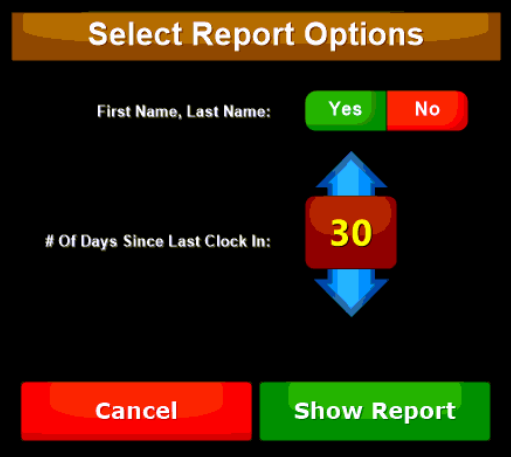
The report 'Option' button let's you choose how to sort the report and how many days to report since last clock in. You can select (in 5 day increments) a minimum of 5 days and a maximum of 360 to filter the report.
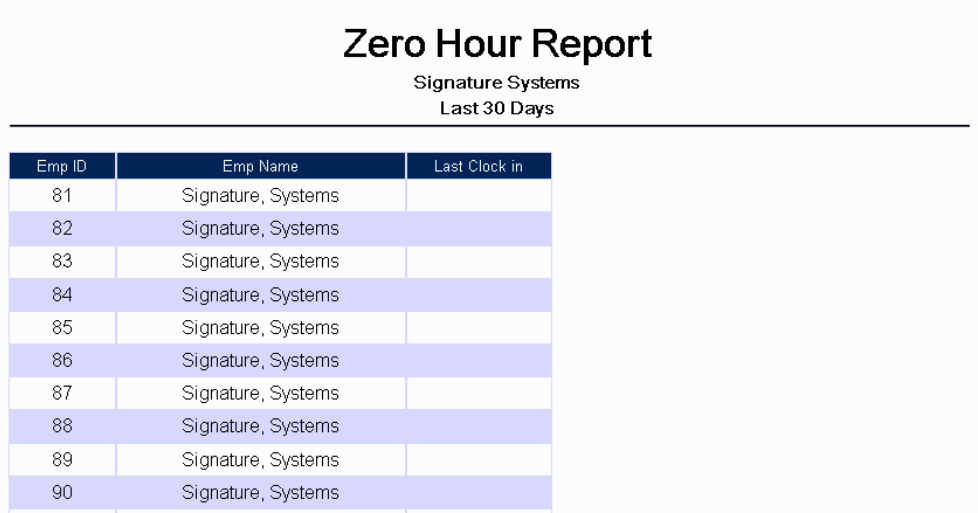
|
Emp ID |
Shows the associated employees ID number |
|
Emp Name |
Displays the associated employees name |
|
Last Clock in |
Shows the last time (if any) the employee clocked in |