Another Round
Use the button  to repeat the previously ordered drinks. This allows you to quickly duplicate rounds:
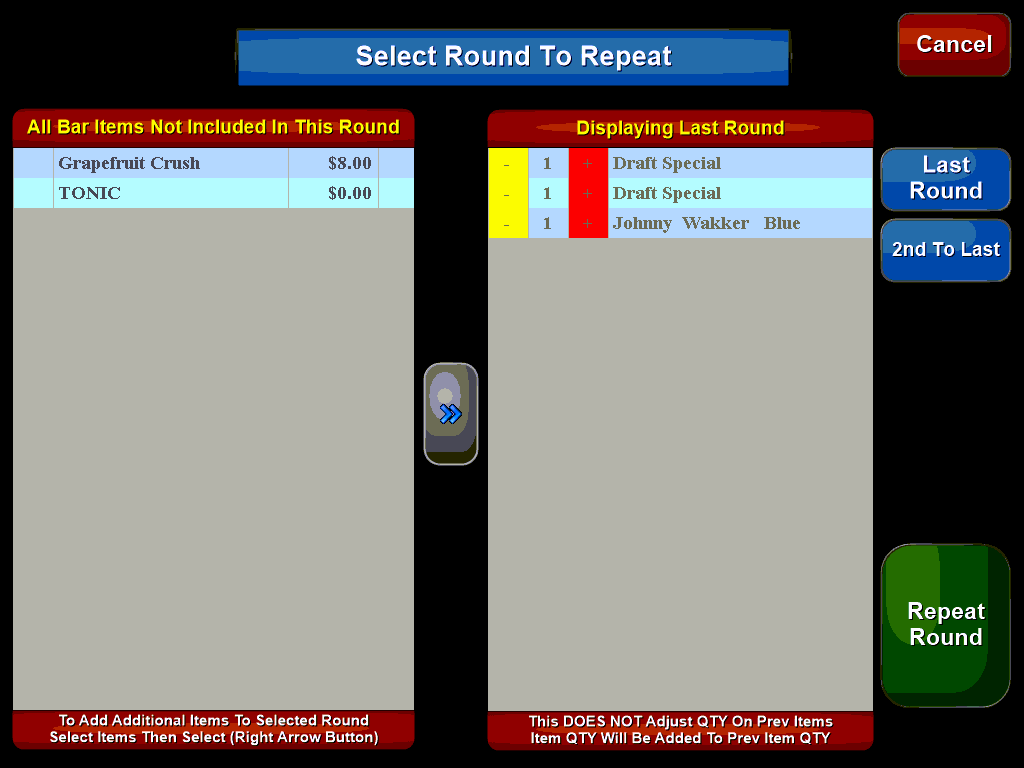
The column on the right shows the drinks that were ordered for the last round while the left-hand column shows drinks that were ordered previously but not on the last round.
You can bring these items into the new round by selecting them and using the blue arrow button to move them to the new round. You can also use the + and - buttons to add or subtract items from the new round.
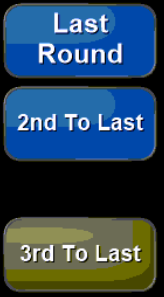
If the patrons wish to repeat a previous round instead of the 'last round' use the buttons located on the right side of the screen to choose which round to repeat. In this way you can cycle through rounds adding or subtracting items as needed:
Once you have set up the round as desired press the green 'Repeat Round' button to return to the order screen. Here you can add or change menu items as needed. Finalize the round by pressing the Send button.
Items must be in a 'Bar Group' to be available to be repeated using the 'Another Round' feature. This is setup in the Menu Manager.