Auto Price Changes
Use the Auto Price Change feature to schedule price changes such as for Happy Hour or a weekend sale.
Once you have setup your items price levels in either Item Manager or the Item List screens, you can use this function to schedule when those price levels come into effect.
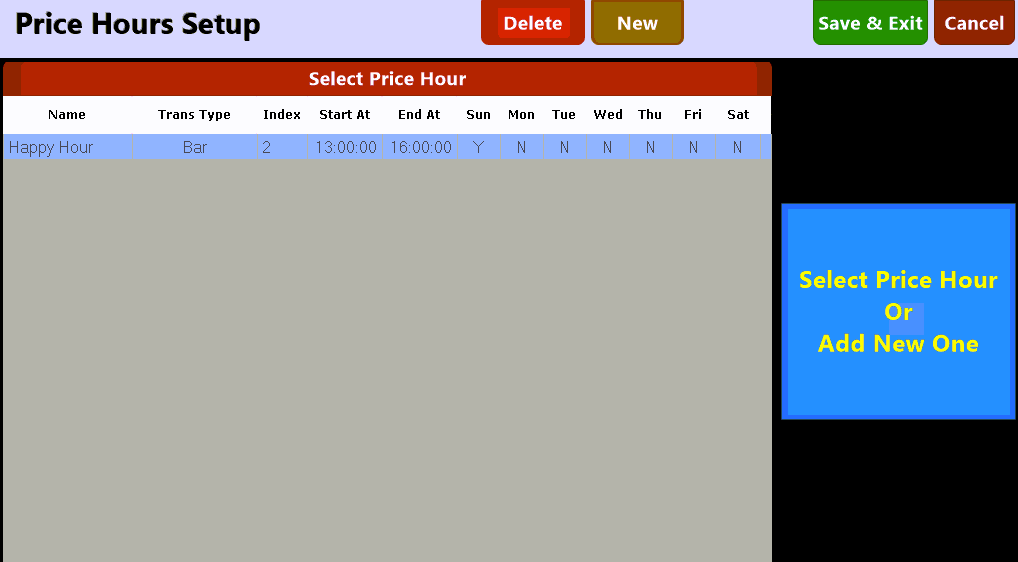
Use the  button located along the top of the screen and enter a schedule.
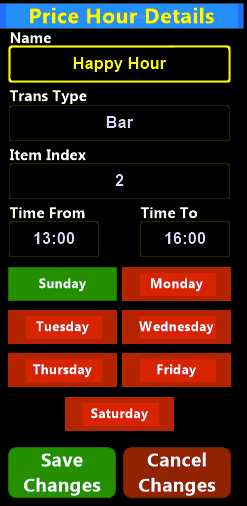
Give the Schedule a name and an associated transaction type. To associate multiple transaction types it is necessary to setup an individual schedule for each type.
Select the price level, hours and days you wish this schedule to be in effect and save the schedule.