Item View
The Header of the order usually shows the Check Number, Time On VDU (Prep Time) and Transaction Type. The main body of the order will show the items ordered. These settings can be configured in the Display Setup screen by using the  button.
By selecting the  button you can bring up a listing of all items shown on the VDU grouped by type. This is useful to get an overview of items so you can begin prepping them:
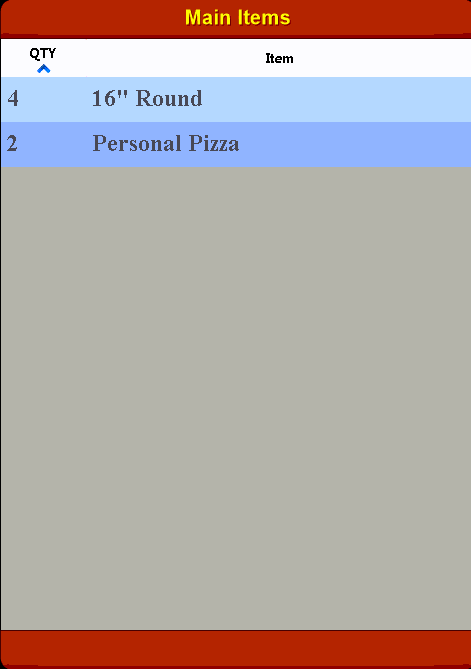
The above example shows that there are 4 16" and 2 Personal Pizzas displayed on the VDU.