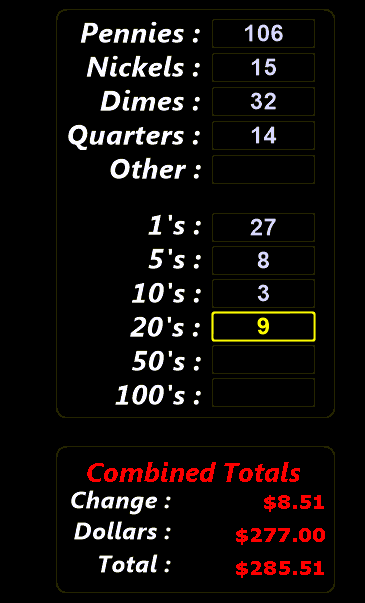
Make Change \ Calculator
By using the  button you can quickly open the cash drawer to make change for a customer. This action can be performed at any time from the main screen and is controlled by user permissions that can be set per each employee. In order to prevent employees from opening the drawer to make change remove the permission: Open Cash drawer from them under the Cash tab.
This data is also tracked on the cash drawer report.
The ability to quickly and accurately count various cash denominations is not a skill that comes easily for all users. This is where the Calculator function shines.
 - Use this button to either show a normal calculator or the cash entry screen
 - Allows you to print out a copy of your entries
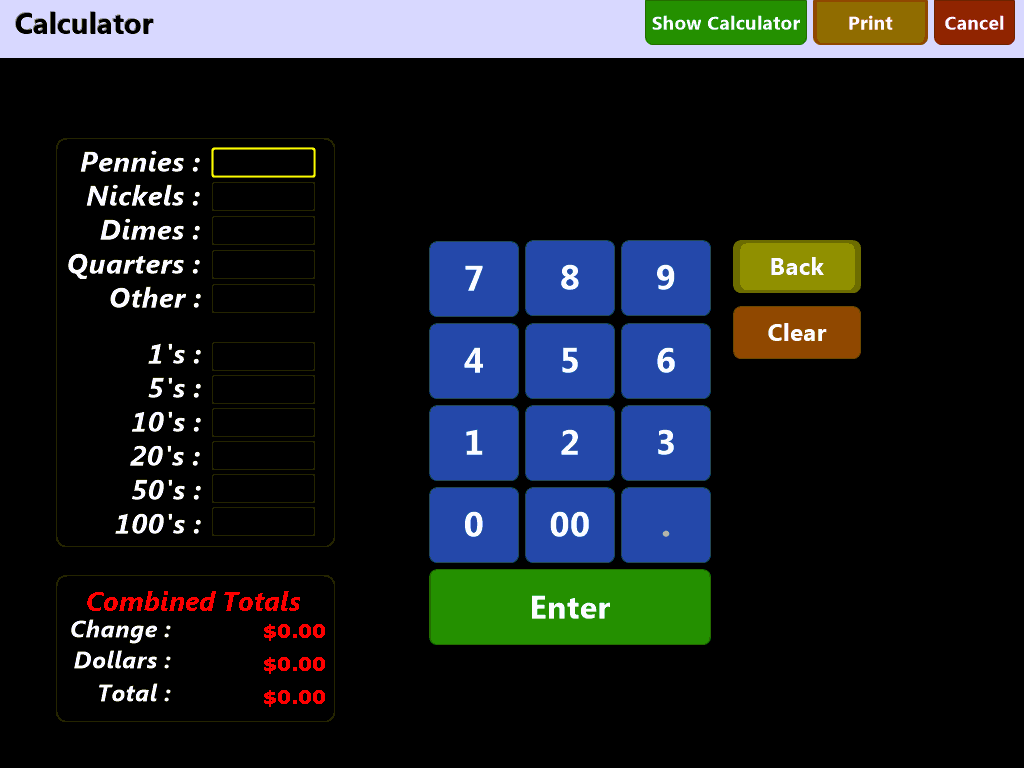
Use the denomination entry boxes to enter the item count for your various cash denominations. The calculator will automatically convert the numbers for you and keep a running total: