Tender an Order
Choosing the  button will bring up the payment screen allowing you to accept payments on an order:
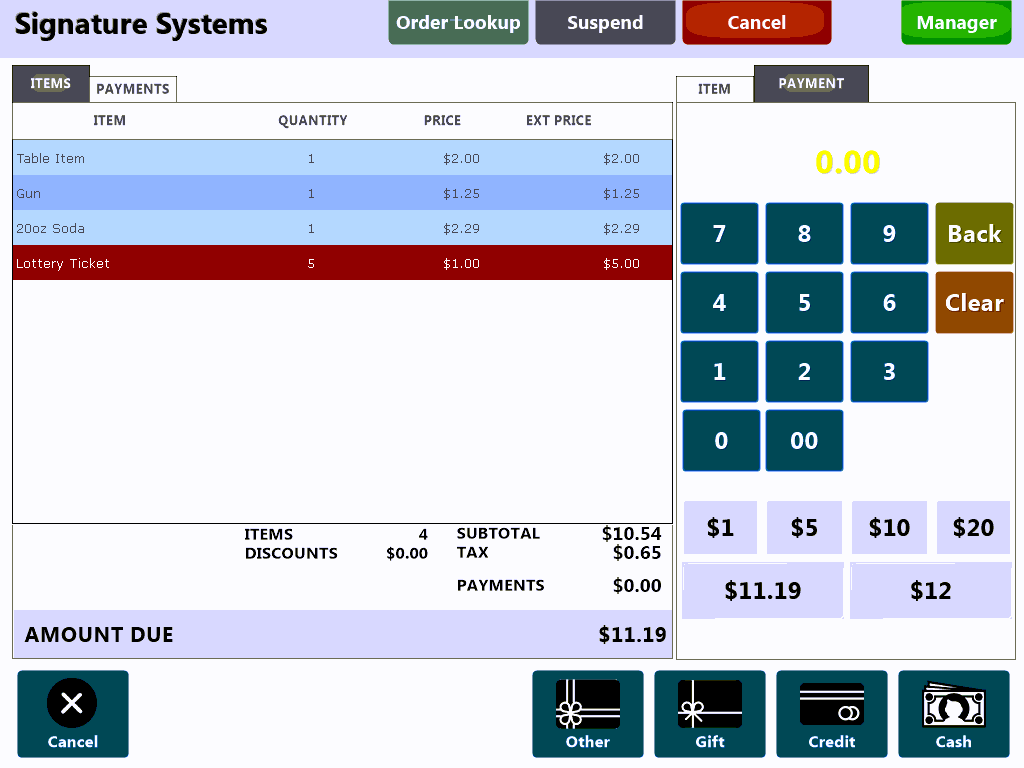
The buttons along the bottom of the screen allow you to accept various payment types:

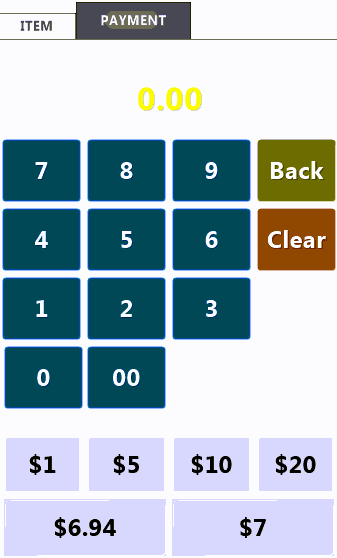
Manually enter the payment amount using the keypad or use one of the preset keys payment keys. The last two speed keys will change with the order total and remaining balance and represent an exact change key and a Next Dollar Amount:
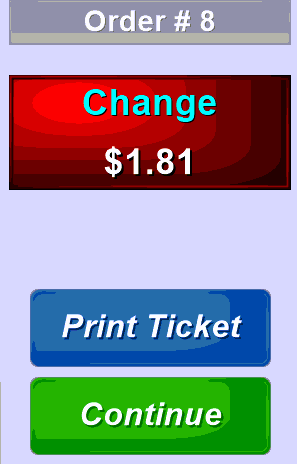
After an order is paid the cashier will be prompted to return the customer's change and given an opportunity to print a copy of the customer's receipt:
As of POS Version: 3.5.423 PDQPOS includes rounding to the nearest nickel.
for more information see the section 'Nickel Rounding'
Finally you can use the  button to reprint a copy of a receipt to give to the customer or for store records.